
Snyder County Active Warrants
Active Snyder County warrants are handled most directly through the Snyder County Sheriff's warrant page and the linked CountySuite warrant portal. The Sheriff's page states that people can inquire about whether a person is a fugitive in a criminal case by using the Pennsylvania UJS Portal and can also search Magisterial District Court information for warrants issued by a Magisterial District Judge. The county portal is the clearest public list for warrants in the Sheriff's possession, while the court docket tools help connect a warrant to a case, citation, or bench event.
The Snyder County Sheriff's Office has law-enforcement duties that include fugitive apprehension, arrest and bench warrants, civil process, protection-from-abuse service and enforcement, prisoner transportation, extraditions, courthouse security, and countywide booking center management. Sheriff John A. Zechman's office is therefore a key contact for active warrant questions, but not every warrant-related fact comes from the sheriff list alone. A bench warrant may also appear in a docket entry in the Pennsylvania UJS Case Search, especially when a person missed court, failed to pay, or did not comply with an order.
The official Snyder County Sheriff page is the source for the local warrant office context.
That office context matters because a Snyder County warrant record can be both a court event and a sheriff enforcement record.
How to Search Snyder County Warrants
The CountySuite public warrant list is the main online search channel for Snyder County warrants. It is useful for a quick name check, but it should not be treated as the only source when liberty, travel, employment, court compliance, or a missed hearing is at stake. Use the portal first, then confirm a possible match with the Sheriff warrant office or the court that issued the warrant. If the warrant is tied to a criminal or Magisterial District Judge case, the UJS docket may show the case number, court office, next event, costs, or disposition history.
- Open the CountySuite Snyder County warrant portal and search by name or date filters.
- Review the listed name, age, last known address, offense, warrant reason, and issue date before assuming the result is the right person.
- Check UJS Case Search for related criminal or Magisterial District Court docket activity.
- Call or email the warrant office when the result may affect court appearance, surrender, payment, or bond decisions.
- Use the Sheriff Right-to-Know process only for sheriff-held records that are not available through the public portal or court docket.
The Snyder County Sheriff's warrant information page links readers from the county site to the full CountySuite warrant list.
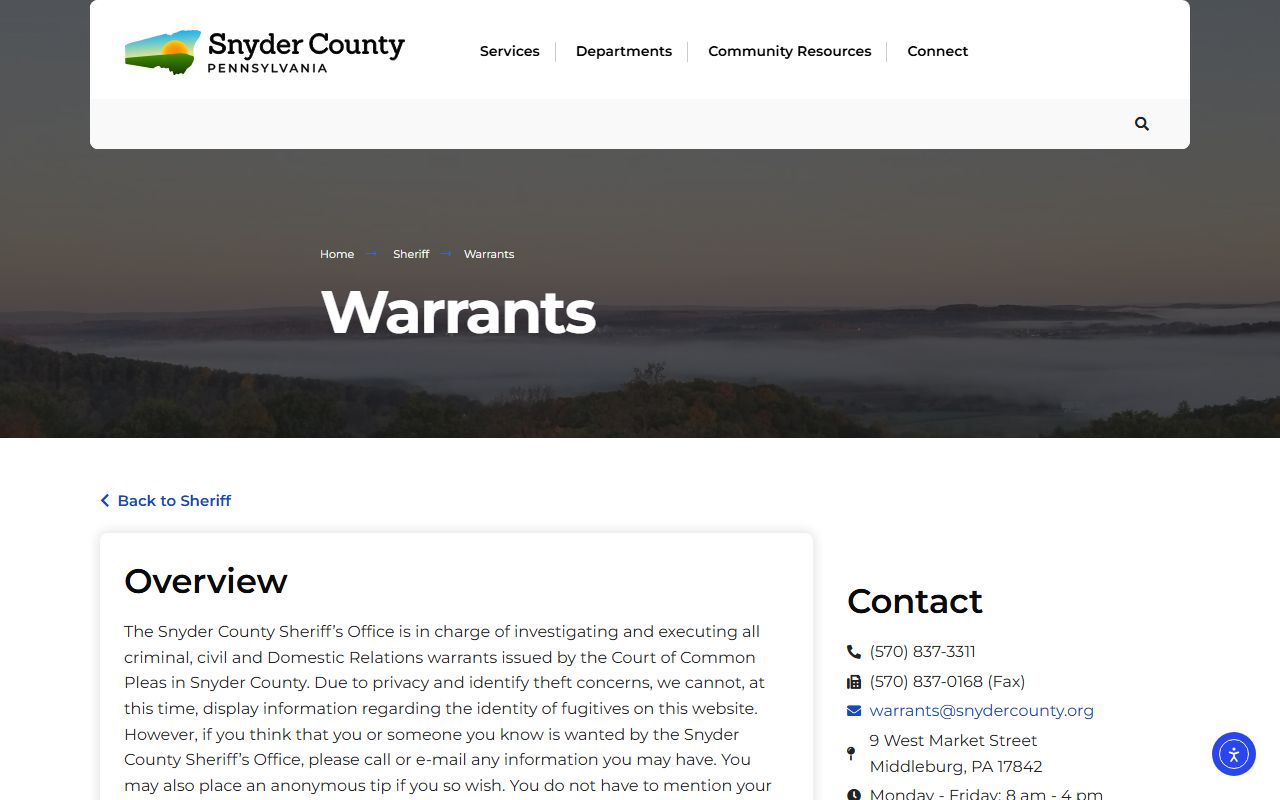
The county source lead-in is important because the warrant search should start from the official Sheriff's page, not a third-party arrest site.
Snyder County Warrant Fields
The CountySuite warrant portal gives Snyder County users a compact set of filters rather than a long court-record form. A last name or first name can narrow the list, and the local-warrant checkbox can reduce results to local warrants. Date filters can also help when a person knows the rough issue date or open date. Because the fields are optional, broad searches may return many names, and narrow searches may miss a record if the spelling, date range, or name format is off.
| Field Label | Type | Required | Options / Format Notes |
|---|---|---|---|
| Last Name | Text | Optional | Person search for Snyder County warrant records. |
| First Name | Text | Optional | Useful when a last name is common or has several matches. |
| Show Only Local Warrants | Checkbox | Optional | Narrows the warrant list to local warrants. |
| Date Type | Dropdown or radio control | Optional | Filters by issued date or opened date. |
| Start Date | Date | Optional | Begins the date range for the selected date type. |
| End Date | Date | Optional | Ends the date range for the selected date type. |
| Search / Filter Controls | Button | Not applicable | Applies the chosen name and date filters. |
The CountySuite active warrant portal shows the search controls used for Snyder County warrant lookup.
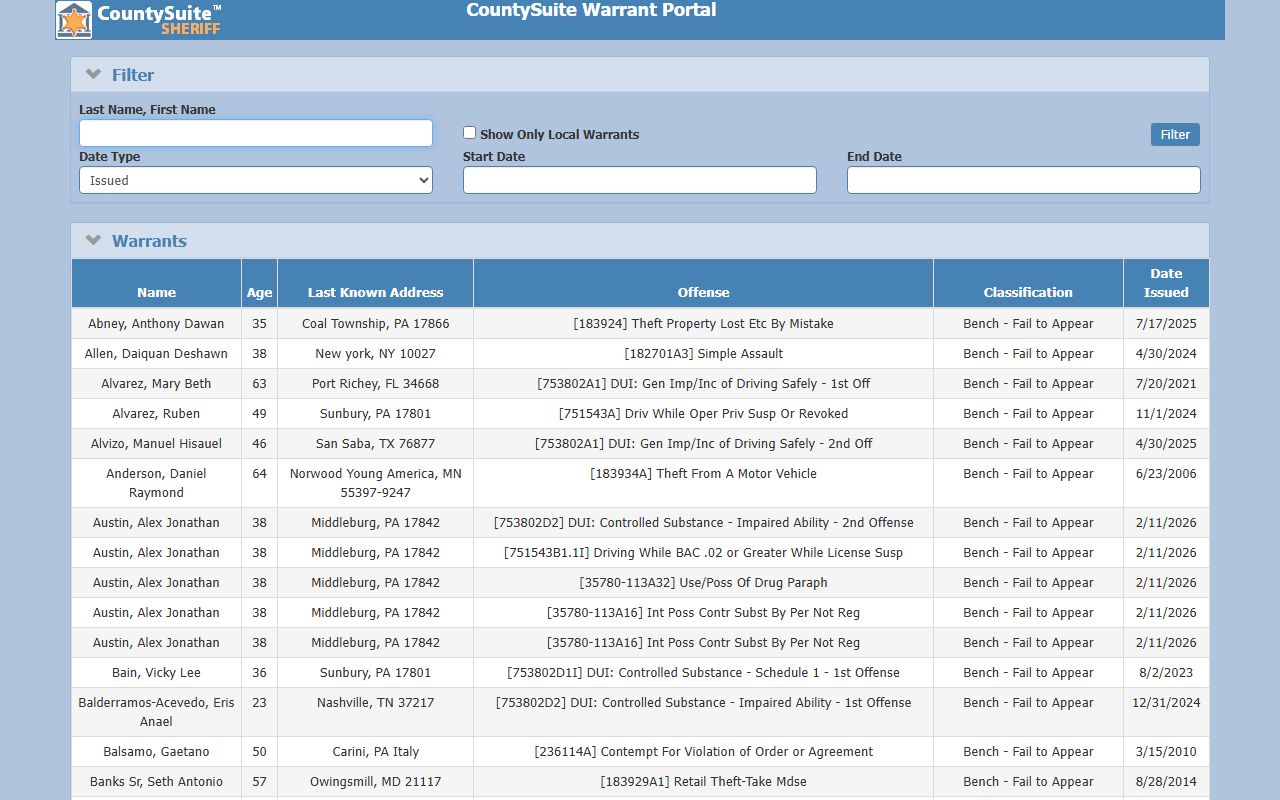
The field set shows why name spelling and date range choices can change the Snyder County warrant results a user sees.
What Warrant Records Show
A Snyder County warrant listing is a public pointer to an active matter, not a full court file. The CountySuite sample inventory reviewed for the research showed identity, location, offense, warrant reason, and issue-date fields. It did not replace the court docket, and it did not show every document behind the warrant. For the full case path, use the UJS docket and the correct office, such as the Court of Common Pleas, a Magisterial District Court, the Clerk of Courts, or the Sheriff's Office.
| Field | What It Shows |
|---|---|
| Name | The person listed on the active Snyder County warrant. |
| Age | Age when available, including N/A where the portal does not provide it. |
| Last Known Address | The address associated with the warrant record if published. |
| Offense | Examples include bad checks, retail theft, DUI, simple assault, theft by deception, possession of drug paraphernalia, driving while suspended or revoked, and domestic relations contempt. |
| Classification or Reason | Examples include Bench - Fail to Appear, Bench - Probation/Parole Violation, Bench - Fail to Pay, Bench - Fail to Comply With Court Order, Bench - Civil-Fail to Appear, and Bench - Domestic Relations. |
| Date Issued | The date the warrant was issued or entered in the public list. |
Note: A matching name alone is not proof that the person searched is the person named in the warrant record.
Snyder County Warrant Channels
Warrant access in Snyder County is best understood as a chain of sources. The county warrant portal is the first public list. UJS Case Search can show related court case events. The Magisterial District Courts can matter because MDJs issue warrants and handle preliminary arraignments, preliminary hearings, traffic citations, non-traffic citations, private criminal complaints, landlord-tenant complaints, and civil claims up to $12,000. The Sheriff warrant office can confirm how to proceed with an active warrant. A Right-to-Know request may help for sheriff-held records, but it is not a shortcut around sealed, juvenile, secure, or court-restricted information.
- Online county list: Search the CountySuite warrant portal for warrants in the Sheriff's possession.
- State court search: Use UJS Case Search for related Snyder County criminal or MDJ docket events.
- MDJ offices: Check the issuing Magisterial District Court when a warrant came from a lower-court matter.
- Phone: Call the Snyder County Sheriff warrant contact at 570-837-3311.
- Email: Send warrant questions to warrants@snydercounty.org when email is the suitable channel.
- Public-records fallback: Use the Sheriff Right-to-Know channel for sheriff-held records not available online.
- Secure statewide warrants: UJS statewide warrant services are restricted secure tools, not public lookup pages.
The Sheriff Right-to-Know page explains the county's public-record request route for Sheriff's Office records.
That route is a fallback for records held by the Sheriff's Office, while court case access still follows court-record rules.
Resolve a Snyder County Warrant
An outstanding warrant should be handled through the Sheriff or issuing court, not by relying on a private search result. First confirm the warrant and identify its type. A bench warrant for failure to appear may call for a different response than a domestic-relations warrant, a criminal arrest warrant, a failure-to-pay warrant, or a probation/parole violation warrant. The related UJS docket can help identify the court, case number, charge history, costs, and recent orders, but the public docket is still only part of the file.
- Confirm the warrant through the Sheriff's Office or issuing court before making plans based on a search result.
- Identify whether it is a bench warrant, domestic-relations warrant, criminal warrant, failure-to-pay warrant, or failure-to-appear warrant.
- Check the related UJS docket for court events, charges, costs, next listings, and office information.
- Contact counsel or the issuing court before appearing if possible.
- Arrange surrender, payment, hearing, bond, or compliance steps directly through the court or Sheriff.
- Allow processing time after resolution before expecting the public warrant portal to update.
Important: Call the Sheriff or issuing court before travel because an active warrant may lead to arrest.
Warrant Office Contact
Snyder County publishes a direct warrant office contact for people who need to confirm a warrant or ask about the proper next step. Use the contact information for official confirmation, especially when a name search returns a possible match, the warrant reason is unclear, or the case appears to involve a bench warrant from a court event. For certified court records, docket sheets, and case filings, the court offices remain separate from the Sheriff's warrant function.
Snyder County Sheriff's Office Warrant Contact
9 West Market Street
Middleburg, PA 17842
570-837-3311
Fax: 570-837-0168
Email: warrants@snydercounty.org
Monday-Friday, 8:00 a.m.-4:00 p.m.
Restricted Warrant Access
Not all warrant information is public. UJS notes that statewide warrants are a secure service, which means public users should not expect access to the law-enforcement version of a statewide warrant database. Search warrants may also have limits while an investigation is active, and juvenile, sealed, expunged, or protected case information may be closed or redacted. Snyder County public warrant records are therefore useful for active public list checks, but they do not expose every investigative record, affidavit, protected identifier, or secure law-enforcement entry.
The Pennsylvania Office of Open Records Right-to-Know Law overview explains the broader public-records framework used for agency records.
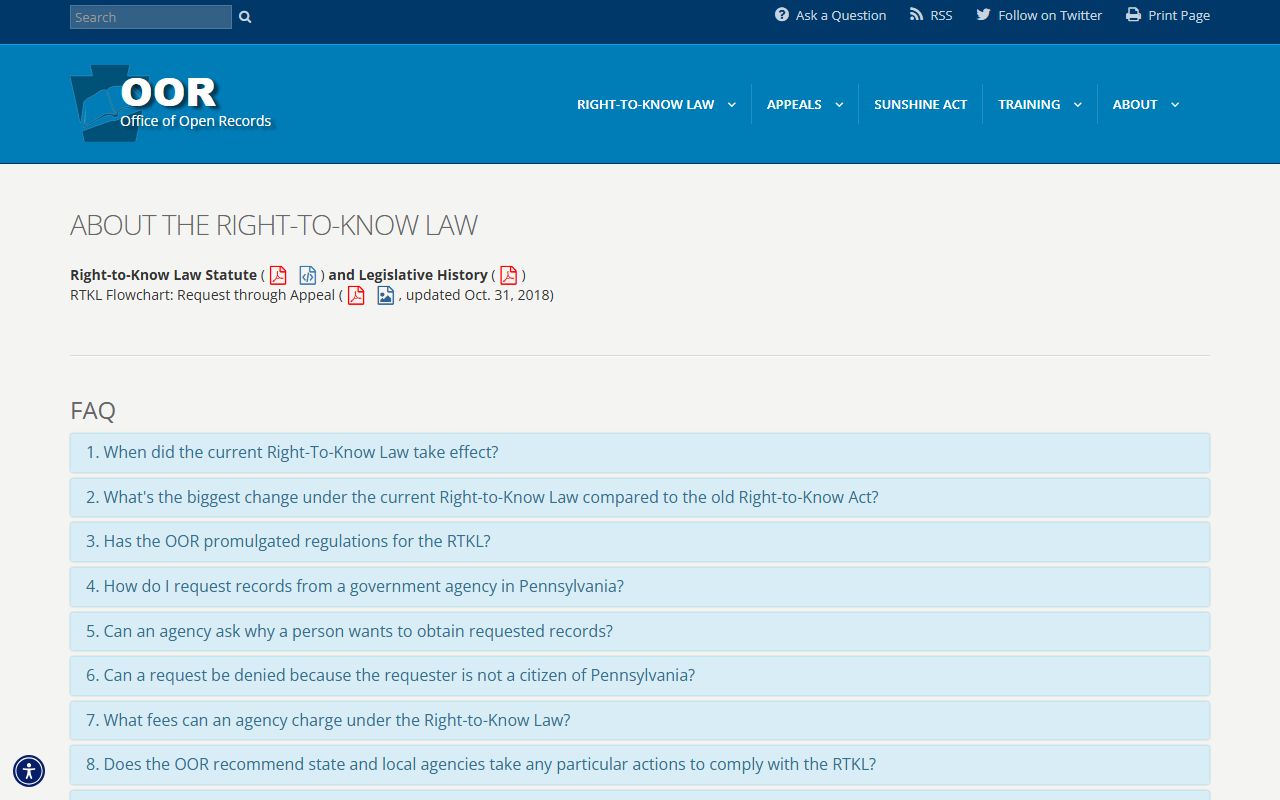
That state-level access framework helps explain why a Sheriff records request and a court docket search can lead to different records.
Note: Court records, Sheriff records, and secure warrant tools follow different access rules even when they concern the same person.